

Experimental Agent Features Begin Rolling Out to Windows Insiders
Microsoft is continuing its push to remake Windows 11 into an AI-first operating system, introducing an experimental “Agent Workspace” that gives automated assistants their own isolated environment inside the OS. The feature, currently available only to Windows Insiders on the Dev and Beta Channels, marks the clearest sign yet that Microsoft wants AI agents operating directly on user devices rather than in cloud-only containers.
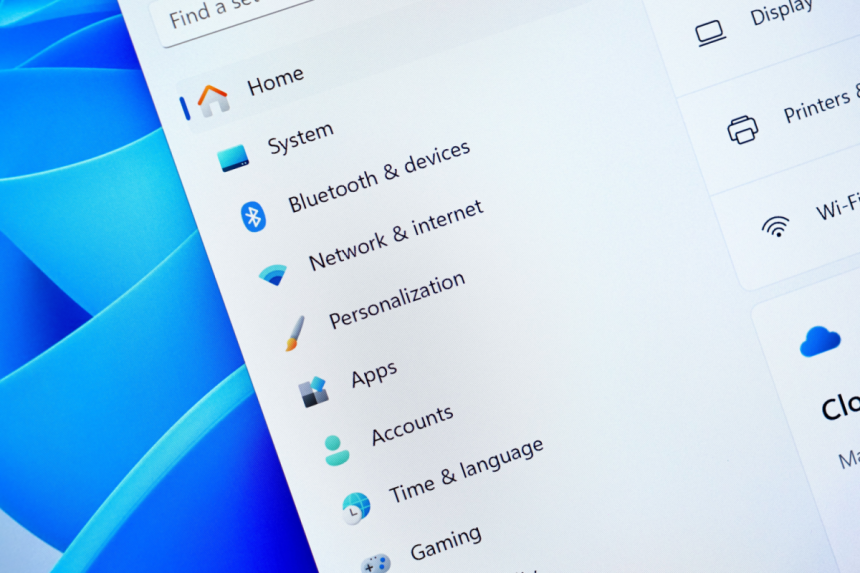
The new toggle, labeled “Experimental agentic features,” appears under System settings in the AI Components section. Enabling it prepares a dedicated workspace where agents can run permanently in the background, complete tasks, access designated folders and apps, and interact with the desktop through a parallel, controlled session.
What Agent Workspace Changes Inside Windows 11
Agent Workspace creates a separate Windows session with its own user account, permissions, and runtime. In practice, this means an agent can open applications, click through interfaces, type, process files and stay active while the main user continues working normally. The model is similar in spirit to virtual environments like Windows Sandbox, but with far tighter integration and selective access to personal files such as Desktop, Documents, Music, Pictures and Videos.
Microsoft describes the system as combining isolation with scoped access. Each agent gets its own ruleset, limiting what it can see or modify. Activities inside the workspace are also intended to be auditable, giving users the ability to track interactions and revoke permissions when necessary.
Unlike Sandbox, which relies on hardware virtualization and a separate kernel, Agent Workspace runs more lightly and supports continuous background operation. The design is meant to allow agents to take on tasks without the performance heavy lifting that comes with full virtual machines.
Security and Performance Questions Remain
Microsoft is already warning testers about potential performance impacts. AI agents can consume memory and CPU depending on complexity, and while Microsoft says usage will be “limited,” it has not defined specific thresholds. Some agents may remain lightweight, but others are expected to be more demanding depending on the tasks they attempt to automate.
The security model is also being refined. Granting access to personal folders is optional, but appears necessary for many of the tasks agents might perform. That raises concerns, especially as agents gain the ability to open applications or process files in the background. Microsoft’s documentation emphasizes transparency and user control, but the company acknowledges the approach involves elevated risk compared with previous Windows features.
Microsoft Pushes Ahead With Its AI-Native Vision
The introduction of Agent Workspace follows months of debate among Windows users about the growing integration of AI technologies such as Copilot. The new feature is optional for now, but its inclusion signals Microsoft intends to bring agentic automation deeper into Windows 11 over time.
The company has reiterated that power users remain a priority even as it reimagines the operating system. Still, the pivot suggests future versions of Windows will include increasingly autonomous AI components designed to handle multi-step tasks, interact with applications and work continuously in the background.
For now, Agent Workspace remains experimental and inaccessible to most users, but its arrival marks the early foundation of Microsoft’s vision for an AI-native Windows environment. More refinements are expected as the feature evolves through Insider testing.